Skip to product information
1 of 1

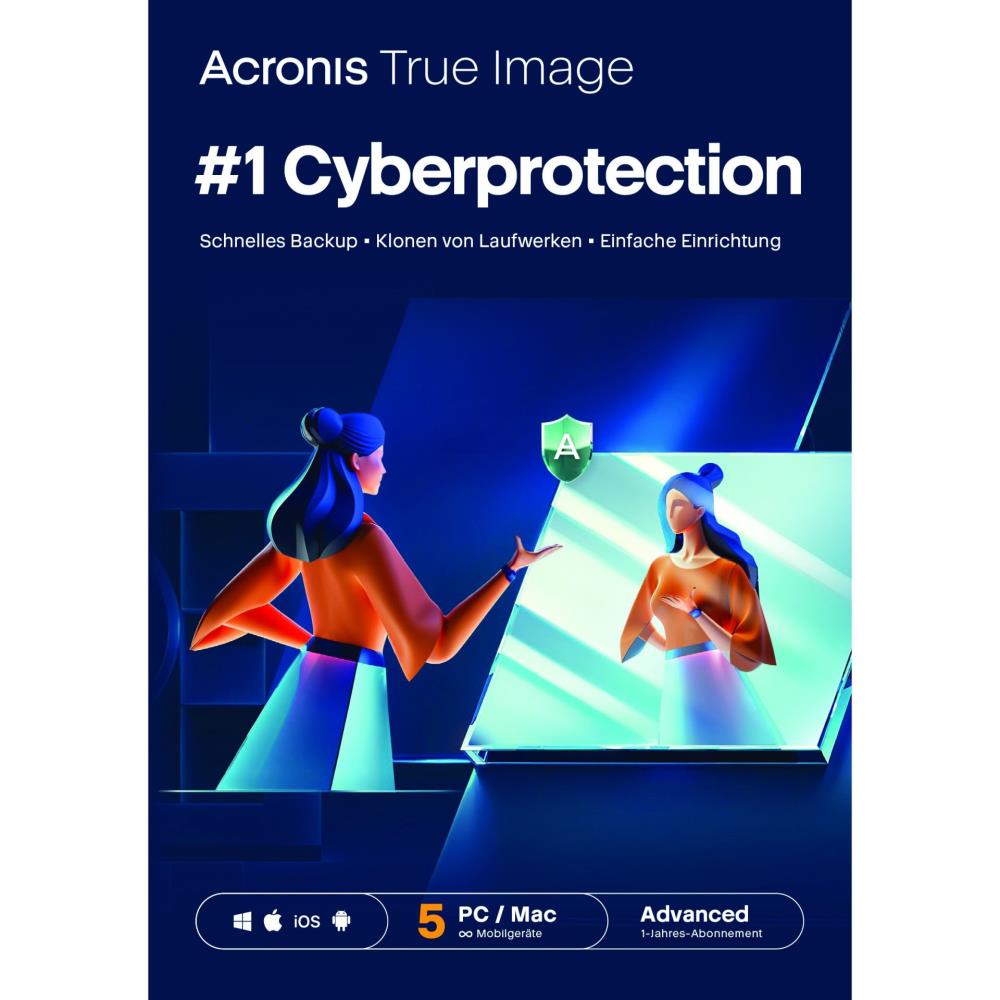
Acronis True Image Advanced (500GB) 5 PC 1 Year

Acronis True Image Advanced (500GB) 5 PC 1 Year

Regular price €149,90 EUR
Regular price Sale price €149,90 EUR
Sale Sold out
Taxes included.
You are bidding on Acronis Cyber Protect Home Office 2026 Advanced for 5 devices - 1 year license
  • Advanced - 500GB Storage
  • Acronis Cyber Protect Home Office Advanced creates backups and archives copies of files, folders, and drives on your PC and Mac. The backup software is characterized by a high degree of user-friendliness and numerous practical functions that enable fast and secure data backup. Use the software to create local data backups or cloud backups. Acronis offers you 500 GB of storage space for cloud backups at no extra cost. The data is stored in modern data centers under the latest security standards. With Cyber Protect Home Office Advanced, you can find entry points for hackers and malware thanks to the latest scanning methods of real-time protection and vulnerability assessment. Neutralize ransomware on your PC, Mac, or mobile device and prevent crypto-jacking on Windows.


    Comfortable User Interface

    The intuitive menu navigation of Acronis Cyber Protect Home Office Advanced makes it particularly easy for you to find your way around the program interface. Just a few clicks are enough to start a complete image backup. With another click, additional options for scheduling backups are available. You can then back up the data locally, on an external hard drive, or in the Acronis Cloud, among other places. You can transfer information from your smartphone or tablet to your computer via WLAN.


    Reliability and Functionality

    Acronis Cyber Protect Home Office Advanced creates automatic mirror images of your programs, settings, or operating system. With the backup program, you are able to clone your Windows or Mac system – even while your drives are actively running. Thanks to the graphical representation of all backup activities, you always have an overview of the progress of the processes and the status of your data. On Windows, you benefit from cloud synchronization and the ability to create Microsoft 365 backups. Remote access allows you to access your backups while on the go. Acronis Cyber Protect Home Office Advanced provides strong end-to-end encryption so that your private and confidential data can only be viewed and used with authorization.

  • Acronis Cyber Protect Advanced: Offers basic and affordable cyber protection,
    so that SMEs with limited cyber security budgets can still protect their data. Includes
    basic functions for file backups and fundamental cyber protection features such as protection against
    viruses and malware, vulnerability assessment, patch management, and URL filtering.
  • The license key can be activated on a total of #5 DEVICES# for PC Windows - MAC - Android - iOS

The market-leading integrated backup & antivirus solution for your private and small business data on Windows, macOS, Android and iOS


  • Comprehensive backup and fast recovery – Restore your files or an entire system quickly at any time
  • Easy drive cloning and complete system image backup – With just two clicks, you can back up your entire system via image backup
  • Local backup, Cloud backup or Hybrid backup – Back up your data locally, in the cloud or in both environments. You have the free choice
  • Integrated Antimalware Protection – Keep cyber threats away from your device and your backup data

Enjoy the peace of mind that your data is protected from all threats

Hard drives fail. Coffee spills. Cyber threats attack. Your data is more valuable than ever and needs reliable protection! Protect your digital world with the only cyber protection solution that offers a unique integration of data protection and cybersecurity functionalities under one user interface.

Back up all your data to restore everything on any device when needed

Do you want to save the backup locally or in the cloud? Do you want to clone a drive? Do you want to migrate your system to a new machine? All necessary functions are available quickly and user-friendly.

Stop cyberattacks in real-time and automatically restore affected files

Prevent cyber threats from encrypting your files or otherwise damaging your machine – with advanced antimalware protection, antivirus scans, web filters, and many other features

Simplify your protection and manage everything from one user interface

Avoid the complexity of managing multiple solutions and use exactly the protection features you need – thanks to our fully integrated and user-friendly cyber protection solution.

This solution truly offers everything you need to protect your data and systems.


One solution – all-round protection


Complete Image Backups

Back up your entire system so you can restore all data and settings. With an image backup (also called mirror image) of your drive or a selected partition, you can easily restore whatever you need – from the complete system to individual files or folders.

Cloning active drives

Clone your Mac or Windows computer as a replica while your system is running. You don't need to stop or restart the computer. This is the easiest way to migrate all your data (including operating system, applications, files, and settings) to a larger or faster hard drive.

Universal Restore

Restore your system even on new/different hardware – using a special boot medium with our driver injection technology. Your backed-up data will be quickly deployed on the machine of your choice.

Backup for Microsoft 365

Create direct cloud-to-cloud backups of your Microsoft 365 account. This allows you to back up emails and attachments from your Outlook.com inbox as well as all files and folders in your OneDrive.

Integrated Advanced Antimalware Protection

Protect your files, applications, and systems with a solution that can detect and stop ransomware and cryptojacking attacks. This also applies to previously unknown threats from the internet. If files are still damaged by an attack, they can be automatically restored.

Cloud Storage and other Cloud Functions

Automatically replicate your local backups to the cloud so you always have an offsite copy of your data available for recovery. You can get up to 5 TB of cloud storage, depending on your chosen subscription plan
Quantity

19 in stock

View full details

Collapsible content

Collapsible row

Collapsible row

Collapsible row